How to Download SoundCloud Songs on Android Free — Step by Step Guide 2026
Android is the most popular mobile operating system in the world, and millions of Android users stream music on SoundCloud every single day. But streaming requires a constant internet connection, and SoundCloud’s offline feature is locked behind a paid subscription. If you want to listen to your favorite tracks on the go without burning through mobile data or relying on a wifi signal, downloading them as MP3 files is the smartest solution.
The great news is that downloading SoundCloud songs on Android is easier than on any other platform. Android’s open file system and flexible browser download handling mean you can save MP3 files directly to your Downloads folder in seconds — no app install, no subscription, no registration required.
This complete guide covers every method, every common problem, and every tip you need to build a full offline SoundCloud music library on your Android phone or tablet in 2026.
Why Android Is the Easiest Platform for SoundCloud Downloads
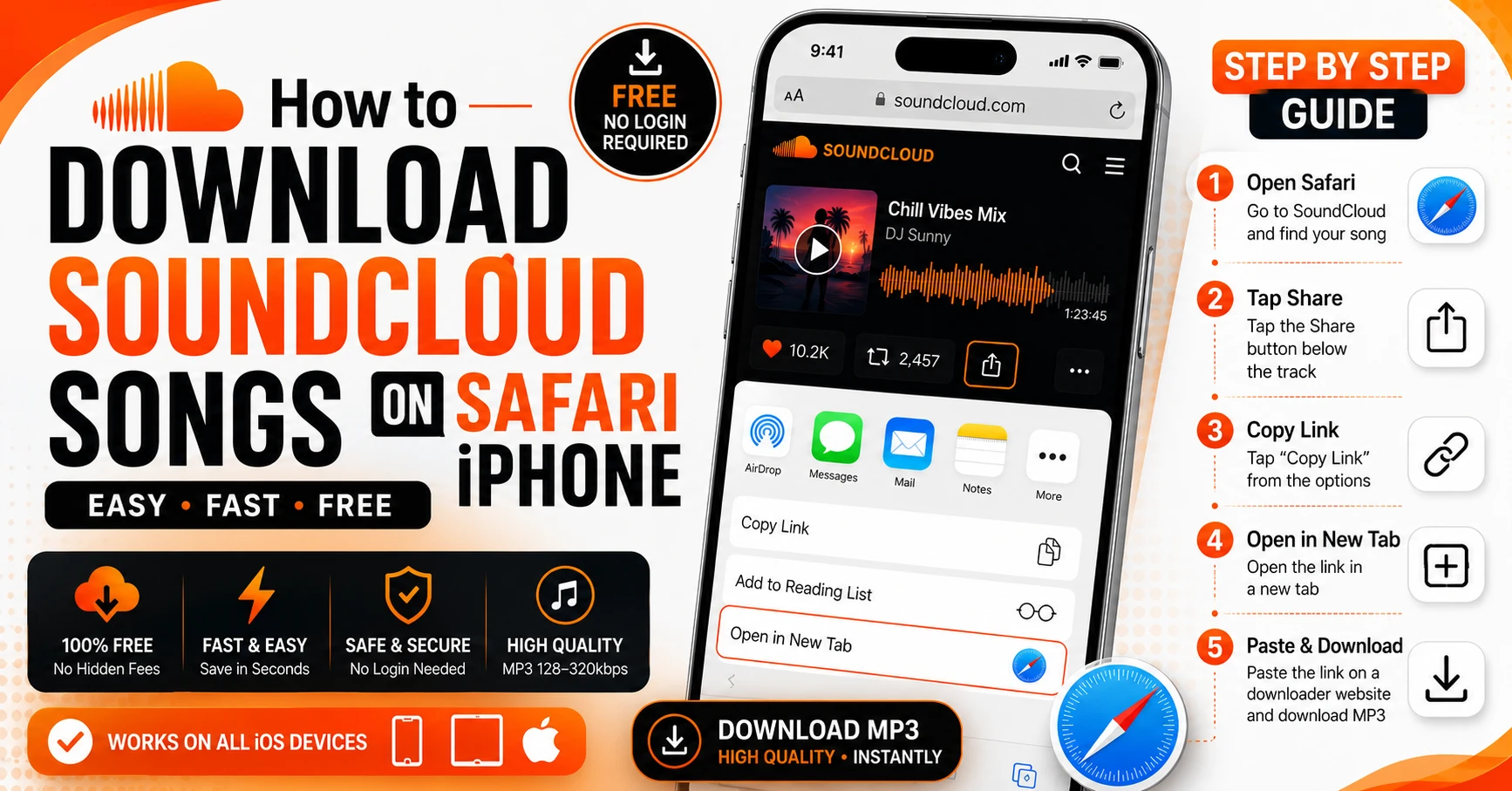
Compared to iPhone, Android gives users significantly more freedom when it comes to downloading and managing files. On iPhone, only Safari can trigger the native download prompt that saves files to the Files app correctly. On Android, any browser — Chrome, Firefox, Samsung Internet, Opera, Brave — handles MP3 downloads naturally and saves files directly to your device storage.
Android’s file system is also more open. Downloaded files are easily accessible through any file manager app, any music player that reads local storage, and any file transfer tool. There are no sandboxing restrictions that prevent apps from reading each other’s downloaded files.
This means saving SoundCloud songs for offline listening on Android is not just possible — it is genuinely fast and simple.
What You Need Before Starting
Before you begin downloading SoundCloud songs on your Android device, make sure you have these basics ready.
An Android phone or tablet running Android 8.0 or later. Chrome, Firefox, Samsung Internet, or any modern Android browser. The SoundCloud app or SoundCloud website open to find your track. Enough storage space on your device for the MP3 files. A working internet connection for the initial download.
That is everything. No additional apps, no browser extensions, no sign up, nothing else required.
Method 1 — SC Downloader (Best Method for Android)
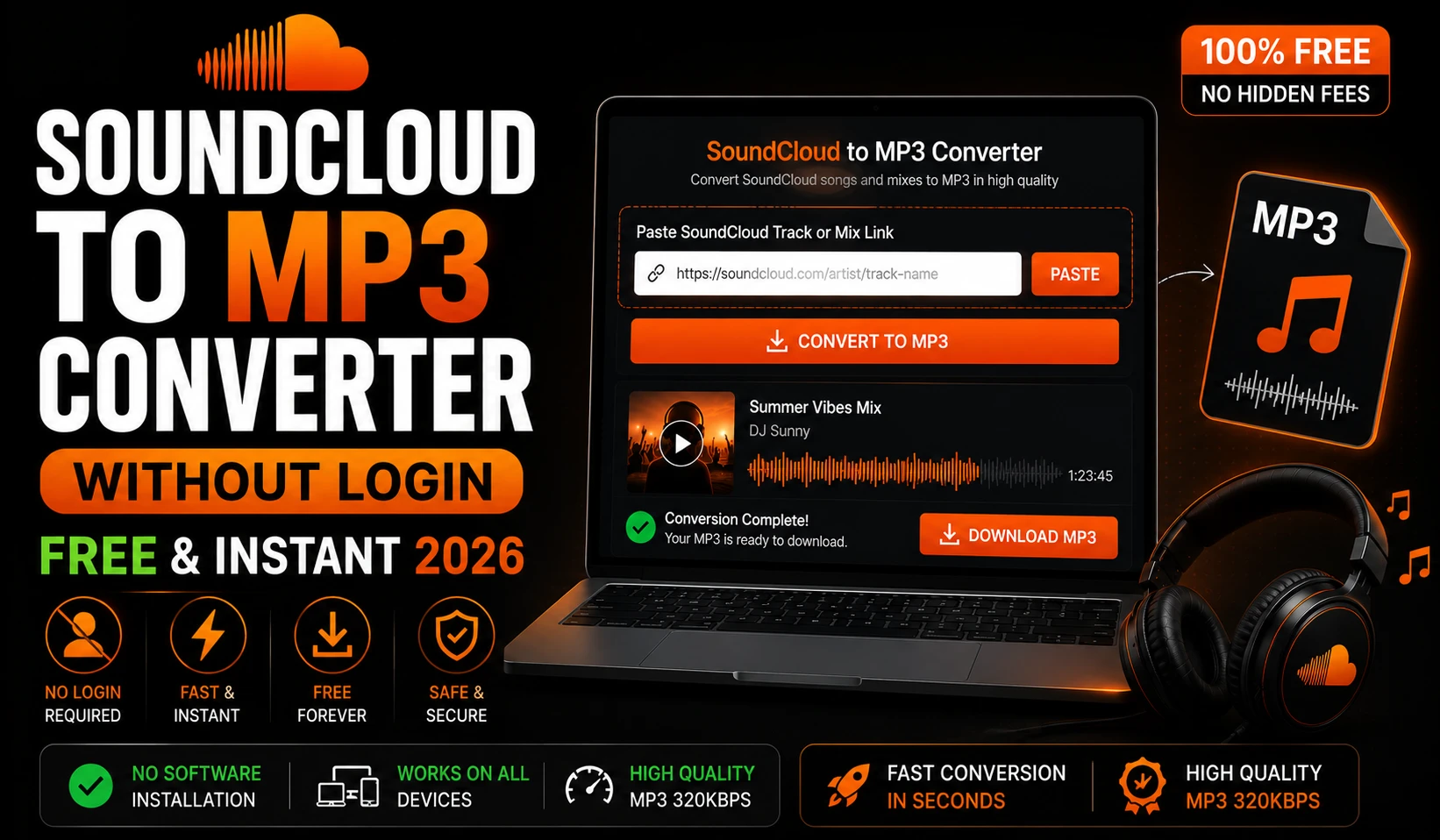
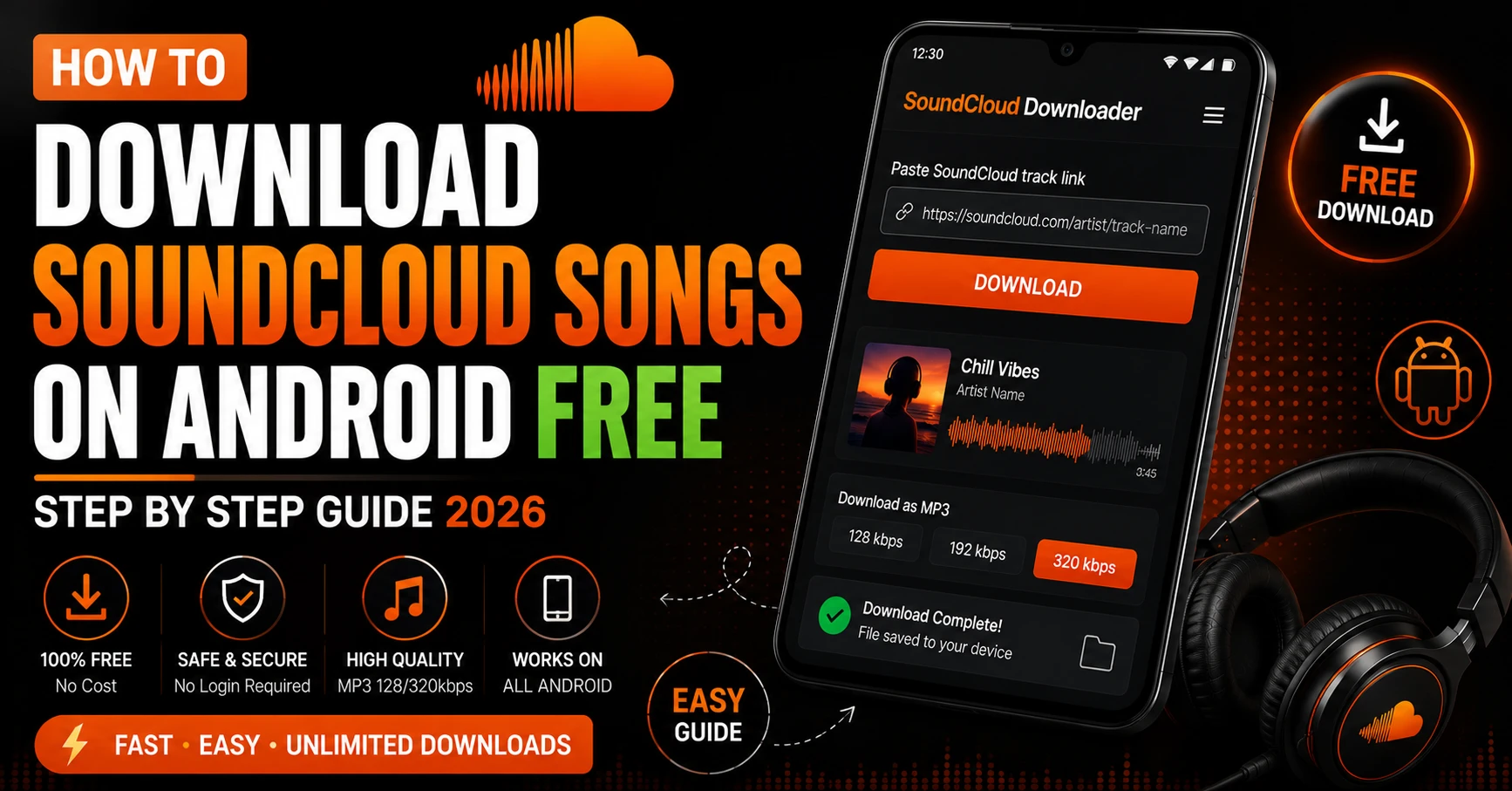
The fastest and most reliable way to download SoundCloud songs on Android is SC Downloader. It works directly in your Android browser, requires no installation, and delivers clean MP3 files with full ID3 metadata and cover artwork embedded automatically.
Complete Step by Step Guide
Step 1 — Open SoundCloud and Find Your Track
Open the SoundCloud app on your Android device or visit soundcloud.com in your browser. Search for the song, track, DJ set, mix, or podcast episode you want to download. Before you try to download, make sure the track is publicly available. You can quickly verify this by opening the track link in an incognito browser window — if it plays without logging in, it is public and downloadable.
Step 2 — Copy the SoundCloud Link
There are two ways to copy a SoundCloud link on Android. In the SoundCloud app, open the track you want, tap the three dot menu icon, and select Share. From the share options, tap Copy Link. SoundCloud copies the track URL to your clipboard instantly.
Alternatively, if you are browsing SoundCloud in your phone’s browser, simply copy the URL directly from the address bar at the top of the screen.
Both full soundcloud.com URLs and short on.soundcloud.com mobile share links are fully supported by SC Downloader. If you copy a short link, SC Downloader automatically follows the redirect and resolves it to the full track URL.
Step 3 — Open SC Downloader in Your Browser
Open Chrome, Firefox, or any browser on your Android device and navigate to sc-downloader.com. You will see the main input field prominently displayed at the top of the homepage. This is where your SoundCloud link goes.
Step 4 — Paste the Link and Tap Download
Tap the input field and paste the SoundCloud URL you copied. Then tap the Download button. SC Downloader immediately begins resolving the track — querying SoundCloud’s backend to locate the audio stream, fetch the track metadata, and prepare the MP3 file.
This process takes between three and eight seconds for most tracks. Longer mixes and DJ sets may take slightly longer due to their file size.
Step 5 — Choose Your Audio Quality
Once the track is resolved you will see the quality options appear. Choose between standard 128kbps for a smaller file size that is perfect for casual listening, or premium 320kbps MP3 for the highest available audio quality. If you are a DJ, music producer, or audiophile who listens on quality headphones, always choose 320kbps. For everyday listening on phone speakers or standard earbuds, 128kbps is completely adequate.
Step 6 — Download and Save to Your Android Device
Tap Download MP3 File. Your Android browser will handle the download automatically. Chrome shows a download progress bar at the bottom of the screen. Firefox displays a download notification in the status bar. Once complete, the MP3 file is saved directly to your device’s Downloads folder.
You can access the file immediately through any file manager app, music player, or the Downloads section of Chrome itself. The file is now saved permanently on your device and plays without any internet connection.
Where Do Downloaded SoundCloud Files Go on Android
This is the most common question Android users ask after downloading their first track. The answer depends slightly on your browser and device.
In Chrome on Android, downloaded files go to your device’s internal Downloads folder. You can access them by opening Chrome, tapping the three dot menu, and selecting Downloads. Alternatively open your phone’s file manager app and navigate to the Downloads folder.
In Firefox on Android, files also save to the Downloads folder by default. Firefox shows a download complete notification when the file finishes saving — tap it to open the file location directly.
On Samsung phones, the My Files app provides the easiest access to downloaded SoundCloud tracks. Open My Files, tap Internal Storage, and open the Download folder. Your MP3 files will be listed there with their full track names.
On most Android devices you can also find downloaded files by opening any music player app that scans local storage. VLC, Musicolet, and Samsung Music all detect MP3 files in the Downloads folder automatically.
How to Play Downloaded SoundCloud Songs on Android
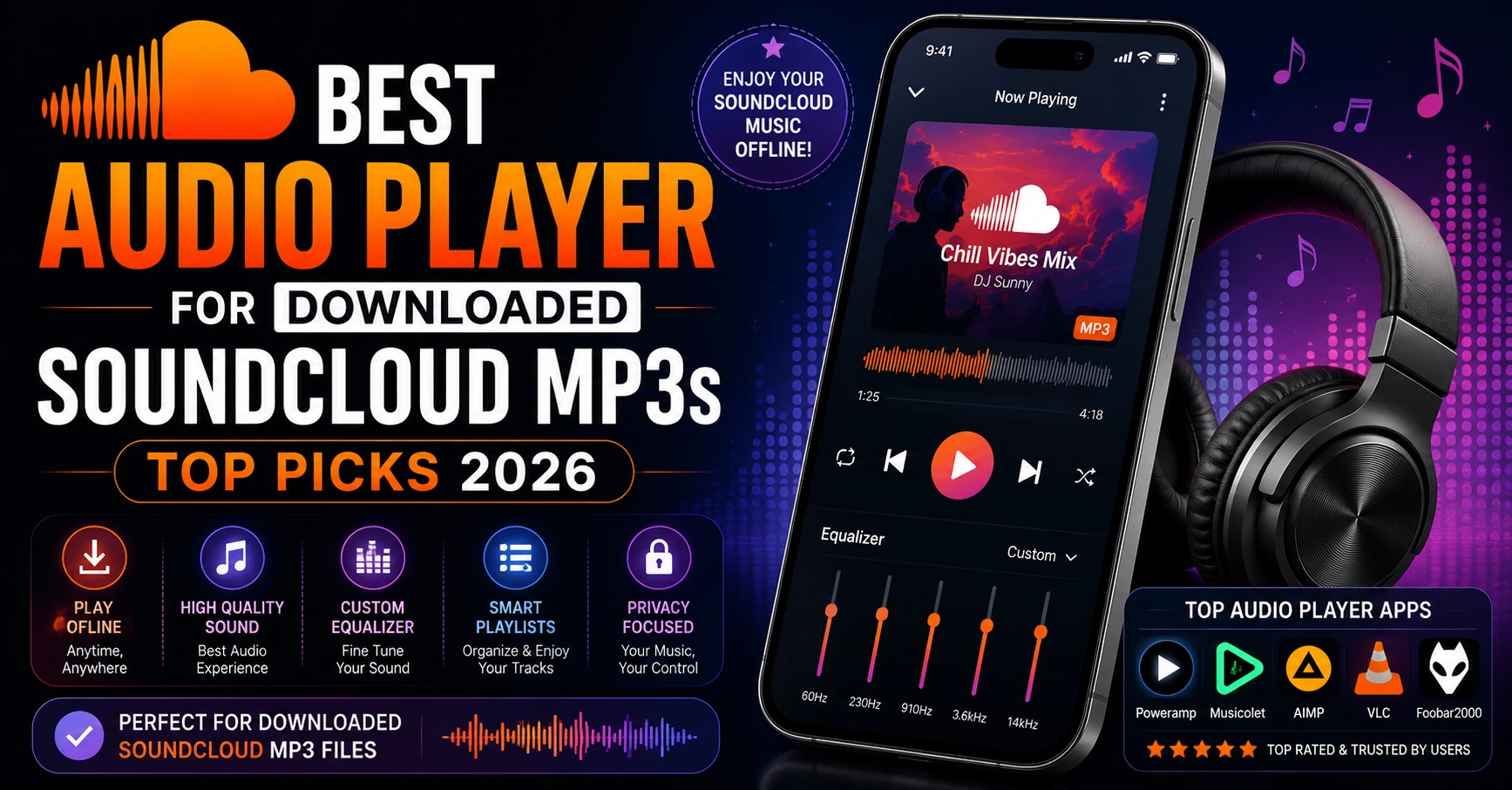
Once your SoundCloud tracks are saved as MP3 files on your Android device, you need a music player to enjoy them properly. Here are the best options for playing downloaded SoundCloud songs offline on Android.
VLC for Android
VLC is the top recommendation for playing downloaded SoundCloud files on Android. It is completely free with no ads, available on the Google Play Store, and handles every audio format without any issues. VLC automatically scans your Downloads folder for new MP3 files and adds them to your library. It supports playlist creation, queue management, sleep timer, equalizer, and playback speed control. For most users VLC is all you need.
Musicolet
Musicolet is a lightweight, completely free music player with no ads and no internet connection requirement. It handles local MP3 files beautifully with a clean interface, proper library organization by artist and album, and queue management that works exactly like a proper music app. If you are building a large offline SoundCloud library, Musicolet is worth installing for its superior organization features.
Samsung Music
For Samsung phone users, Samsung Music is pre-installed and reads local MP3 files from your Downloads folder automatically. It integrates with your device’s audio settings and supports Dolby Atmos and other Samsung audio enhancements. Simple, clean, and no setup required.
Poweramp
Poweramp is a premium music player with a free trial available. It offers the most advanced audio processing of any Android music player — 10 band parametric equalizer, stereo expansion, bass boost, and support for every audio format. For audiophiles downloading SoundCloud tracks in 320kbps quality, Poweramp gets the most out of your high fidelity files.
How to Download a Full SoundCloud Playlist on Android
Downloading tracks one by one from a large playlist is slow and tedious. SC Downloader’s playlist downloader lets you resolve and download entire SoundCloud playlists directly on your Android device.
Open Chrome or Firefox on your Android phone, visit sc-downloader.com/playlist-downloader, and paste the URL of any public SoundCloud playlist, album, or set. SC Downloader resolves the complete tracklist in optimized batches — displaying every track with its title, artist, duration, and cover artwork.
You can preview any track in the built-in player before downloading to make sure it is the correct version. Then download each track individually or run multiple concurrent downloads to build your offline library faster.
For a complete guide to downloading full playlists, read our dedicated article on how to download SoundCloud playlists to MP3 free.
How to Transfer Downloaded SoundCloud Songs to Other Devices
One of the biggest advantages of downloading SoundCloud songs as MP3 files on Android is how easy they are to transfer and use on other devices.
Transfer to PC or Mac via USB
Connect your Android phone to your computer with a USB cable. On Android, select File Transfer mode when prompted. Open your phone’s storage in File Explorer on Windows or Finder on Mac. Navigate to the Downloads folder and copy your SoundCloud MP3 files to any folder on your computer.
Transfer via Google Drive
Upload your downloaded MP3 files to Google Drive from your Android phone. They become instantly accessible on any device where you are signed into the same Google account — PC, Mac, tablet, or another phone.
Transfer via Bluetooth
For quick transfers to another Android device or a Bluetooth speaker system that supports file transfer, use Android’s built-in Bluetooth file sharing. Open your file manager, select the MP3 files, tap Share, and choose Bluetooth.
Transfer to Android Auto
If your car supports Android Auto, your downloaded SoundCloud MP3 files are automatically available through VLC or other compatible music players on the Android Auto interface — giving you offline SoundCloud music in your car without any streaming required.
Common Android Download Problems and How to Fix Them
Even on Android where downloads are generally smooth, you may occasionally run into issues. Here are the most common problems and their solutions.
Problem 1 — Download Starts But File Does Not Appear in Downloads Folder
This usually happens when your device’s storage is nearly full. Check your available storage in Settings and free up space if needed. Also check that your browser has permission to save files — go to Settings, Apps, find your browser, and check Storage permissions.
Problem 2 — Track Cannot Be Resolved or Returns an Error
Open the SoundCloud track link in a private or incognito browser window. If the track does not play there without logging in, it is either a private track, geo-blocked content, or a SoundCloud Go+ exclusive. SC Downloader can only download publicly accessible content.
Problem 3 — Downloaded File Has No Sound or Plays as Silence
The download may have been interrupted before completion. Delete the file and try downloading again. Make sure your internet connection is stable during the download process. If the issue continues on the same track, the original track on SoundCloud may have an audio issue at the source.
Problem 4 — Music Player Not Detecting Downloaded Files
Open your music player app and manually trigger a library rescan. In VLC, pull down on the main screen to refresh. In Musicolet, go to Settings and tap Rescan. In Samsung Music, tap the three dot menu and select Rescan. Files should appear within a few seconds after rescanning.
Problem 5 — Short Link From SoundCloud App Not Working
If you copied a short on.soundcloud.com link and SC Downloader cannot resolve it, open the short link in Chrome first. Chrome will redirect to the full soundcloud.com URL. Copy that full URL from the address bar and paste it into SC Downloader instead.
Problem 6 — Download Speed Is Very Slow
SC Downloader uses global CDN servers for fast delivery. If downloads are unusually slow, the issue is likely your mobile data or wifi connection rather than the tool itself. Try switching between wifi and mobile data to see if speed improves. Alternatively try again during off-peak hours when network congestion is lower.
Tips for Building the Best Offline SoundCloud Library on Android
Here are practical tips that experienced users follow when building a serious offline music collection from SoundCloud on Android.
Download at 320kbps for tracks you love and listen to regularly on quality headphones. Use 128kbps for background music or tracks you will listen to casually through phone speakers. This balances quality and storage space intelligently. Read our full breakdown of real vs fake 320kbps quality to understand why quality choice matters.
Create organized folders in your Downloads directory. Instead of keeping everything in one flat folder, create subfolders by artist, genre, or mood. Most Android file manager apps let you create folders easily within the Downloads directory.
Use a music player with proper library management rather than playing files directly from the file manager. Apps like VLC and Musicolet read ID3 tags embedded by SC Downloader and organize your library by artist, album, and genre automatically.
Periodically check your favorite SoundCloud artists for new uploads and add them to your offline library. SoundCloud artists often upload new tracks and remixes that are not available anywhere else.
Back up your downloaded library to Google Drive or an external storage card. MP3 files are permanent but your phone storage is not — a factory reset or device failure would wipe locally saved files without a backup.
Frequently Asked Questions
Final Thoughts
Downloading SoundCloud songs on Android in 2026 is genuinely simple, completely free, and requires nothing beyond a browser and an internet connection. SC Downloader makes the whole process take under ten seconds per track — from copying the SoundCloud link to having a clean MP3 file ready in your Downloads folder.
Whether you want to save a single song for your morning run, download a full DJ set for a road trip, or build a permanent offline music library of your favorite SoundCloud artists, the process is the same. Paste your link, choose 128kbps or 320kbps quality, tap download, and your music is ready offline instantly.
Use our playlist downloader to save entire albums and sets at once, check our guide on saving SoundCloud songs for offline listening for advanced tips, and visit sc-downloader.com anytime you find a track worth keeping.
Your offline Android music library starts with one download. Make it today.