How to Save SoundCloud Songs for Offline Listening — Free Guide 2026
There is nothing more frustrating than finding the perfect track on SoundCloud and then losing access to it the moment you step onto the subway, board a flight, or drive through a dead zone with no signal. SoundCloud is a brilliant platform for discovering music, but its offline listening feature is locked behind a monthly subscription that not everyone wants to pay for.
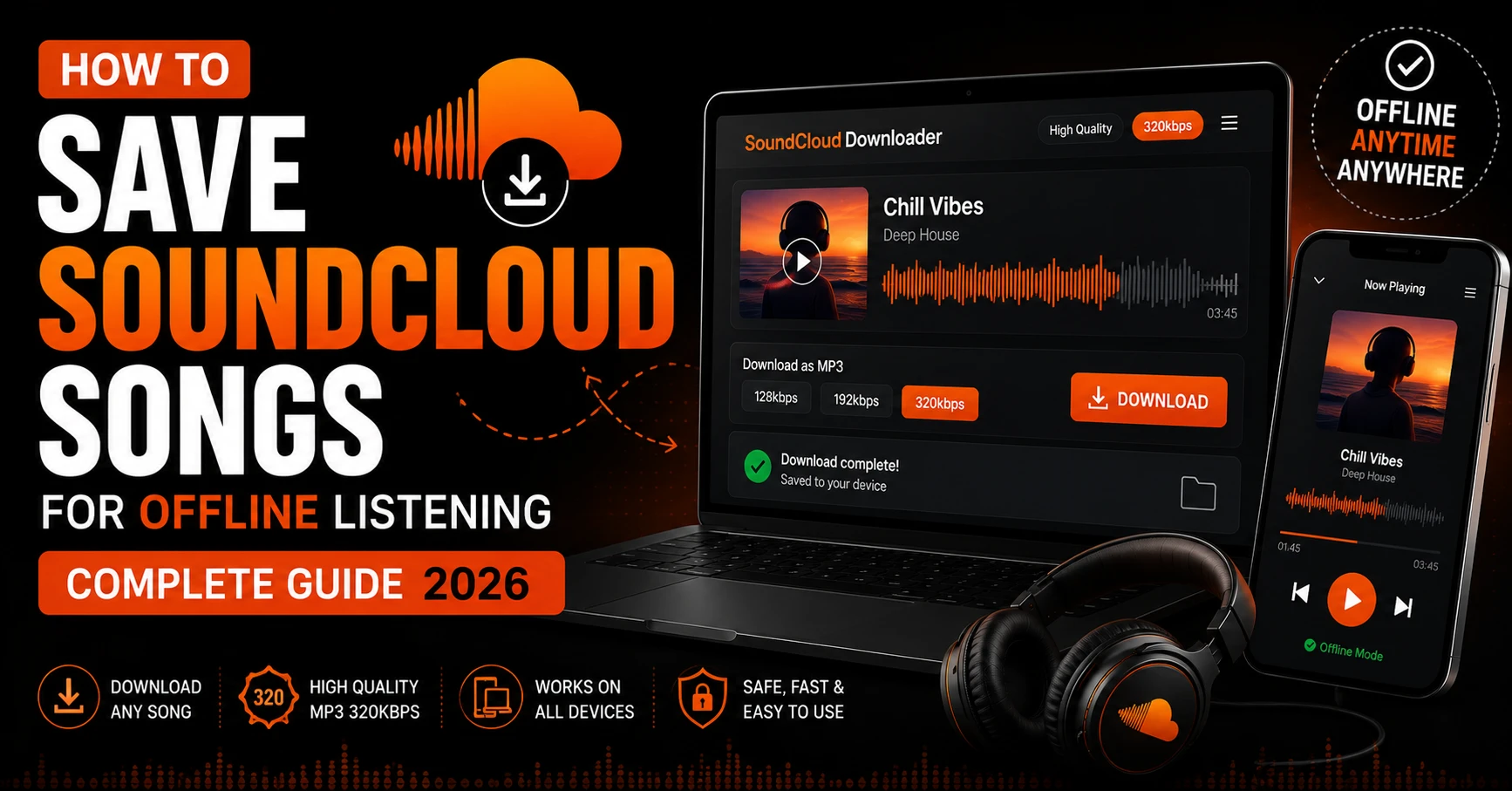
The good news is that you do not need SoundCloud Go+ to listen offline. In 2026 there are several completely free and reliable ways to save SoundCloud songs for offline listening on any device. This guide covers every method in detail — from the quickest one-step solution to tips for building a proper offline music library that works on iPhone, Android, PC, and Mac.
Why SoundCloud Locks Offline Listening Behind a Paywall
SoundCloud introduced Go+ as a way to generate subscription revenue and compete with streaming giants like Spotify and Apple Music. The offline listening feature is one of the main selling points of the paid tier — alongside ad-free listening and higher quality audio streams.
Without Go+, every track you play on SoundCloud requires a live internet connection. The moment you go offline, the music stops. For commuters, travelers, gym goers, and anyone in areas with unreliable signal, this is a significant limitation that makes the free tier genuinely frustrating to use.
However SoundCloud’s paywall only controls the in-app offline feature. It does not prevent you from saving publicly available tracks as MP3 files to your device using an external tool. Once a track is saved as a local MP3 file, it plays anywhere — no internet, no subscription, no restrictions.
Method 1 — SC Downloader (Fastest and Most Reliable)
The quickest way to save SoundCloud songs for offline listening in 2026 is SC Downloader. It is completely free, requires no registration, and works on every device through your browser.
How to Use SC Downloader to Save Songs Offline
Step 1 — Find Your Track
Open SoundCloud and find the song, DJ set, podcast, or album you want to save for offline listening. Make sure the track is publicly available — you can confirm this by checking if it plays without logging in.
Step 2 — Copy the Link
On desktop, copy the URL from your browser address bar. On the SoundCloud mobile app, tap the Share button and select Copy Link. Both full soundcloud.com links and short on.soundcloud.com mobile links work perfectly.
Step 3 — Open SC Downloader
Visit sc-downloader.com in your browser. You will find the input field at the top of the page ready for your link.
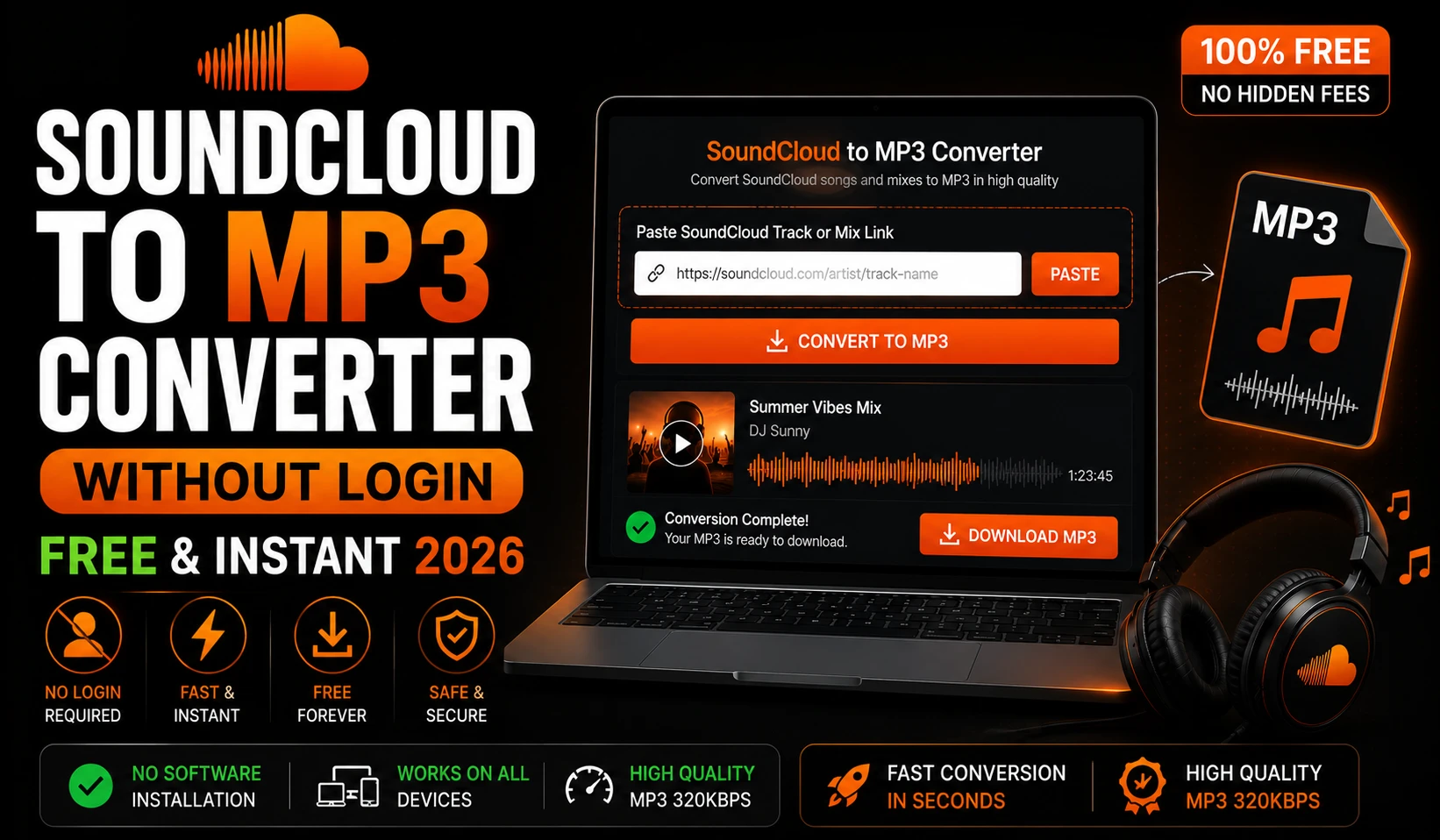
Step 4 — Paste and Download
Paste your copied link into the input field and click Download. SC Downloader resolves the track metadata and fetches the audio stream from SoundCloud’s CDN servers. This takes between three and eight seconds depending on your internet speed.
Step 5 — Choose Quality and Save
Select your preferred audio quality — 128kbps for smaller file sizes or 320kbps for maximum audio fidelity. Click Download MP3 and the file saves directly to your device. It is now available for offline listening anytime, anywhere.
What Makes SC Downloader the Best Option
Unlike most tools that fake quality or serve watermarked audio, SC Downloader pulls raw audio streams directly from SoundCloud servers and delivers clean, unaltered MP3 files. Every downloaded file includes auto-embedded ID3 tags with the track title, artist name, and cover artwork — so your music player displays everything correctly without any manual tagging.
Method 2 — Save Entire Playlists for Offline Listening
If you want to save multiple tracks or a full album for offline listening, downloading one by one is slow and tedious. SC Downloader’s playlist downloader solves this problem completely.
Paste any public SoundCloud playlist or album URL into the input field. SC Downloader resolves the full tracklist in batches and displays every track with its title, artist, duration, and artwork. You can preview any track before downloading and then save the ones you want individually or run multiple concurrent downloads.
This is the fastest way to build an offline music library from SoundCloud. A full 20 track album can be downloaded and ready for offline listening in under five minutes.
Which Playlists Can Be Saved Offline
Any public SoundCloud playlist, album, or set can be downloaded for offline listening. This includes playlists you created yourself, playlists made by other users, full artist albums uploaded as sets, DJ mixes and compilations, and podcast episodes organized into series.
Private playlists and content locked behind SoundCloud Go+ are protected and cannot be downloaded by any external tool. If a playlist requires a login or a subscription to access, it cannot be saved offline through SC Downloader.
Method 3 — Save SoundCloud Songs Offline on iPhone
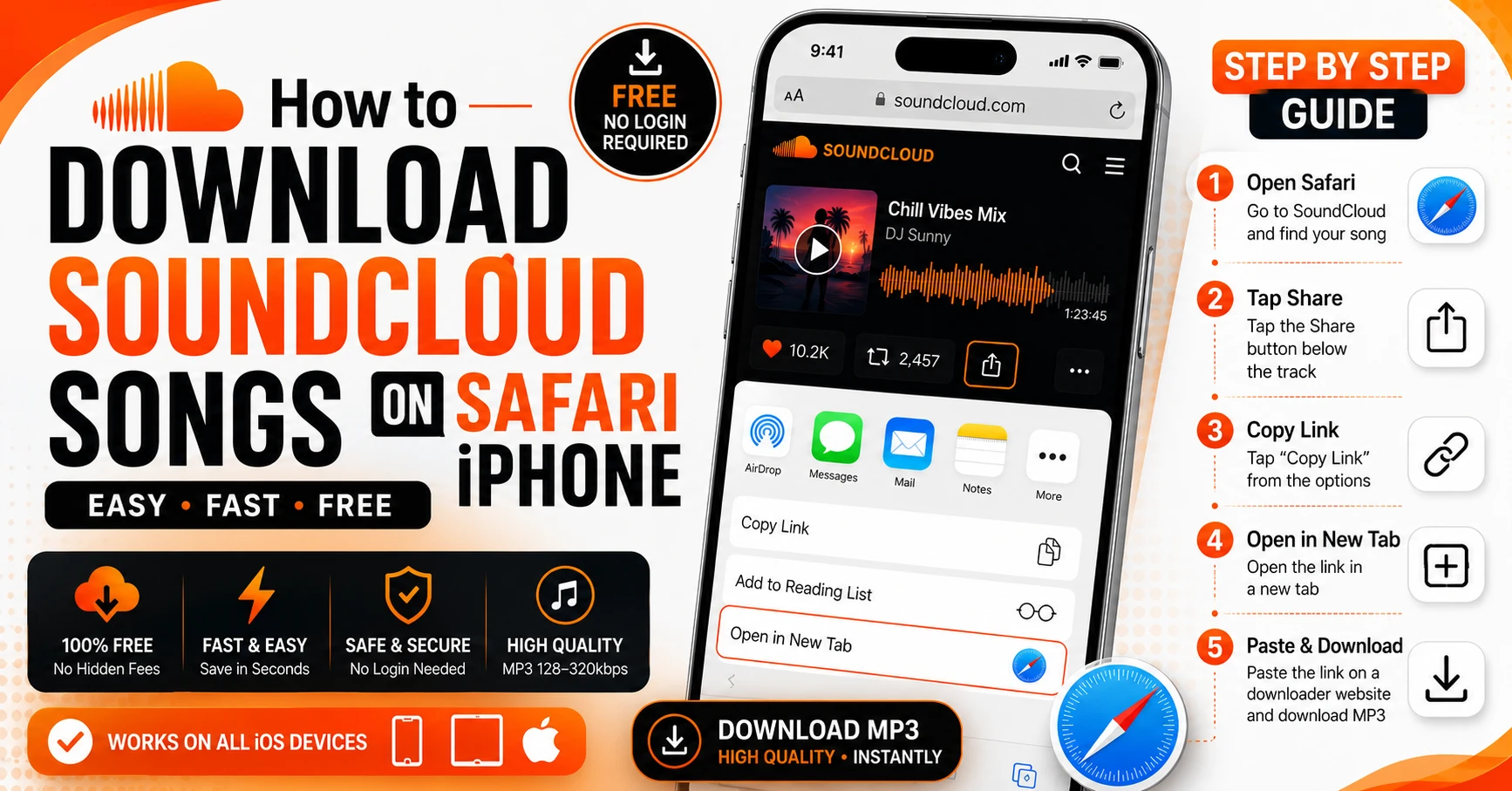
Saving tracks for offline listening on iPhone requires one important detail — you must use Safari as your browser. Safari is the only iOS browser that triggers the native download prompt and saves files directly to your Files app.
Open Safari on your iPhone, visit sc-downloader.com, paste your SoundCloud link, select your quality, and tap Download MP3. Safari will display a download notification at the top of the screen. Tap it to confirm and the MP3 file saves to your Files app under the Downloads folder.
Once saved, the file is available offline immediately. Open the Files app, navigate to Downloads, and tap any track to play it. You can also move files into a music player app like VLC for iPhone for a better listening experience with playlist organization and playback controls.
For a complete step by step walkthrough specifically for iPhone users, read our detailed guide on how to download SoundCloud songs on iPhone.
Playing Offline SoundCloud Files on iPhone
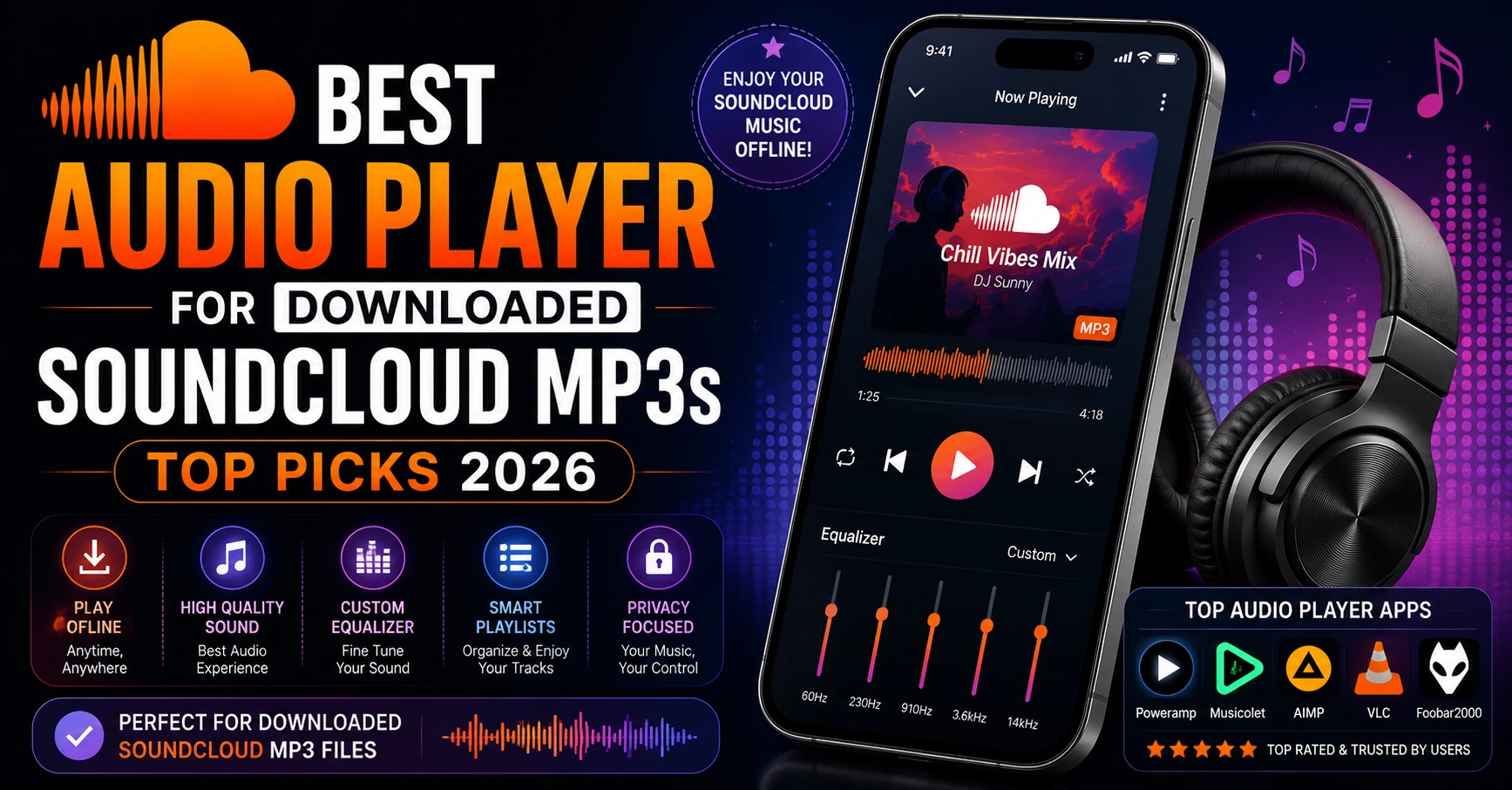
The iOS Files app plays MP3 files but does not offer a great music listening experience — no playlist management, no queue, no equalizer. For proper offline listening on iPhone we recommend VLC for iPhone, which is completely free on the App Store. VLC reads files directly from your Files app and offers full playback controls, playlist creation, and equalizer settings.
Alternatively, Doppler is a premium iOS music player that handles local MP3 files beautifully and integrates with the Files app seamlessly. It is worth the small one-time purchase if you plan to build a large offline SoundCloud library.
Method 4 — Save SoundCloud Songs Offline on Android
Android handles offline MP3 downloads more straightforwardly than iPhone. Open Chrome or Firefox on your Android device, visit sc-downloader.com, paste your SoundCloud link, and download. The MP3 file saves directly to your Downloads folder.
Unlike iPhone, Android does not restrict which browser can save files to local storage. Both Chrome and Firefox work perfectly. Once downloaded, your file is accessible through any file manager app and playable in any local music player.
Best Music Players for Offline SoundCloud Files on Android
VLC for Android is the top recommendation for playing downloaded SoundCloud tracks offline. It is completely free, handles every audio format, and scans your Downloads folder automatically to find new files.
Samsung Music works well for Samsung device users and reads local MP3 files natively with a clean interface.
Musicolet is an excellent free option with proper library management, queue support, and a built-in equalizer — ideal if you are building a large offline music collection from SoundCloud.
Method 5 — Save SoundCloud Songs Offline on PC and Mac
On desktop computers, saving SoundCloud songs for offline listening is the simplest process of all. Visit sc-downloader.com in any browser, paste your track URL, select quality, and click Download MP3. The file saves to your browser’s default Downloads folder.
On Windows this is typically at C:\Users\YourName\Downloads. On Mac it is the Downloads folder in Finder. From there you can move files into any music player or media library — iTunes, Windows Media Player, VLC, foobar2000, or any other application that handles local MP3 files.
Organizing Your Offline SoundCloud Library on Desktop
If you are building a large offline music library from SoundCloud, proper organization saves you headaches later. Create a dedicated folder structure organized by artist or genre. Since SC Downloader automatically embeds ID3 tags including artist name, track title, and album name into every downloaded file, music management software like MusicBrainz Picard can automatically sort and organize your files based on their embedded metadata.
How to Listen to Downloaded SoundCloud Songs Completely Offline
Once your SoundCloud tracks are saved as MP3 files on your device, they play without any internet connection required. Here is how to confirm your files are truly available offline before you need them.
On iPhone, enable Airplane Mode and open the Files app. Navigate to your Downloads folder and try playing a saved track. If it plays normally, you are fully set for offline listening.
On Android, enable Airplane Mode and open your music player app. Navigate to your local library or Downloads folder and play a downloaded track to confirm it works offline.
On PC or Mac, simply disconnect from Wi-Fi and open your saved MP3 files in any media player. Local files never require an internet connection once downloaded.
How Many SoundCloud Songs Can You Save for Offline Listening
With SC Downloader there are absolutely no limits. You can download and save as many SoundCloud tracks as you want for offline listening — no daily caps, no track length restrictions, no speed throttling, and no account required. The only limit is the storage space available on your device.
As a rough guide, a 320kbps MP3 file for a four minute track is approximately 9 to 10 megabytes. A 128kbps file of the same track is around 3.5 to 4 megabytes. A 16 gigabyte phone with half its storage free could hold approximately 800 tracks at 320kbps quality or over 2,000 tracks at 128kbps.
Keeping Your Offline Library Updated
One challenge with saving SoundCloud songs for offline listening is that your library can become outdated. Artists update track titles, release new versions, or upload improved audio quality over time. Here is how to keep your offline library current.
Periodically revisit your favorite artists on SoundCloud to check for new uploads. When an artist releases a new track or album, copy the links and add them to your offline library using SC Downloader. For artists who release music frequently, checking their SoundCloud profile weekly ensures you never miss a new upload.
For complete albums and playlists, use the playlist downloader to refresh your downloaded tracks whenever the artist adds new songs to an existing set.
Can You Save SoundCloud Podcasts for Offline Listening
Yes. SoundCloud hosts a significant number of podcasts and audio shows in addition to music. SC Downloader works with podcast episode links exactly the same way as music tracks. Copy the episode URL, paste it into SC Downloader, and download the MP3. Podcast episodes are often longer than music tracks — a two hour episode at 128kbps will be approximately 110 megabytes.
For podcast series organized as playlists on SoundCloud, use the playlist downloader to download an entire series at once rather than copying each episode link individually.
Troubleshooting Offline Listening Issues
Downloaded File Does Not Play Try opening the file in VLC instead of your default media player. VLC handles all MP3 files correctly regardless of how they were encoded. If VLC cannot play the file either, the download may have been interrupted — try downloading the track again.
Track Sounds Low Quality Even at 320kbps The original track on SoundCloud may have been uploaded at a low bitrate by the artist. No downloader can improve quality beyond what exists in the original upload. Check our article on real vs fake 320kbps quality to understand why this happens.
File Not Appearing in Music Player Some music player apps require you to manually trigger a library rescan after adding new files. In VLC on Android, open the app and pull down to refresh the media library. On iPhone, open the Files app and move the downloaded file into the VLC documents folder through the share menu.
Download Fails or Gets Stuck Clear your browser cache and try again. If the issue continues, try a different browser. Temporary congestion between SoundCloud’s CDN and SC Downloader’s servers can occasionally cause delays that resolve within a few minutes.
Frequently Asked Questions
Final Thoughts
Saving SoundCloud songs for offline listening does not require a subscription, a complicated setup, or any technical knowledge. With SC Downloader you can save any public track as a clean MP3 file in seconds — ready to play anywhere, anytime, with zero internet connection required.
Whether you are downloading a single track for your morning commute, saving a full album for a long flight, or building a permanent offline library of your favorite SoundCloud artists, the process is the same. Paste your link, choose your quality, download, and listen.
Start with a single track today — visit sc-downloader.com, paste your favorite SoundCloud song, and have it ready for offline listening before you finish reading this sentence. Then use our playlist downloader to save entire albums and sets in one go. And if audio quality matters to you, our 320kbps download option ensures you get the best possible sound from every track you save.
Your offline music library is waiting. Build it today, completely free.